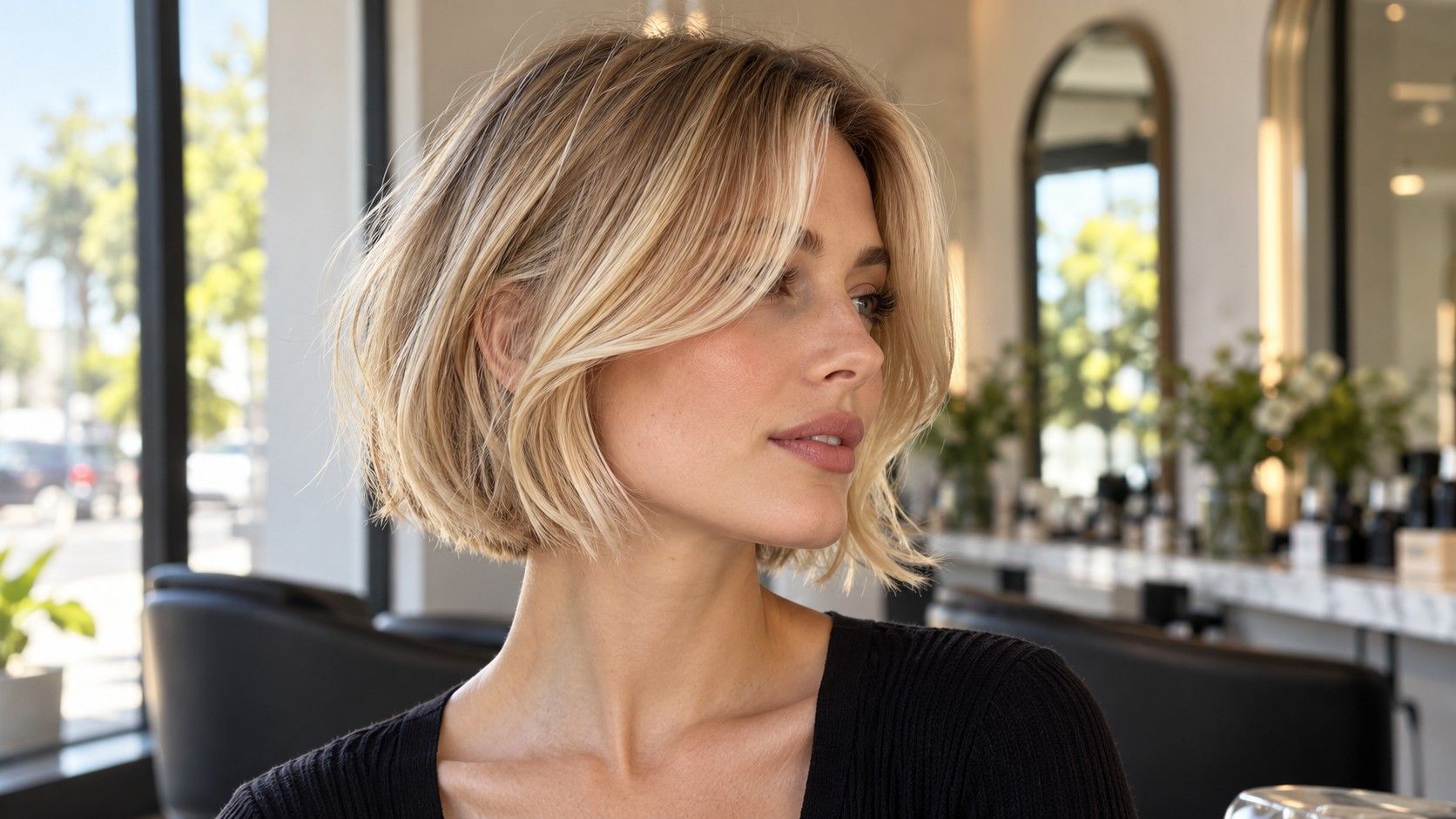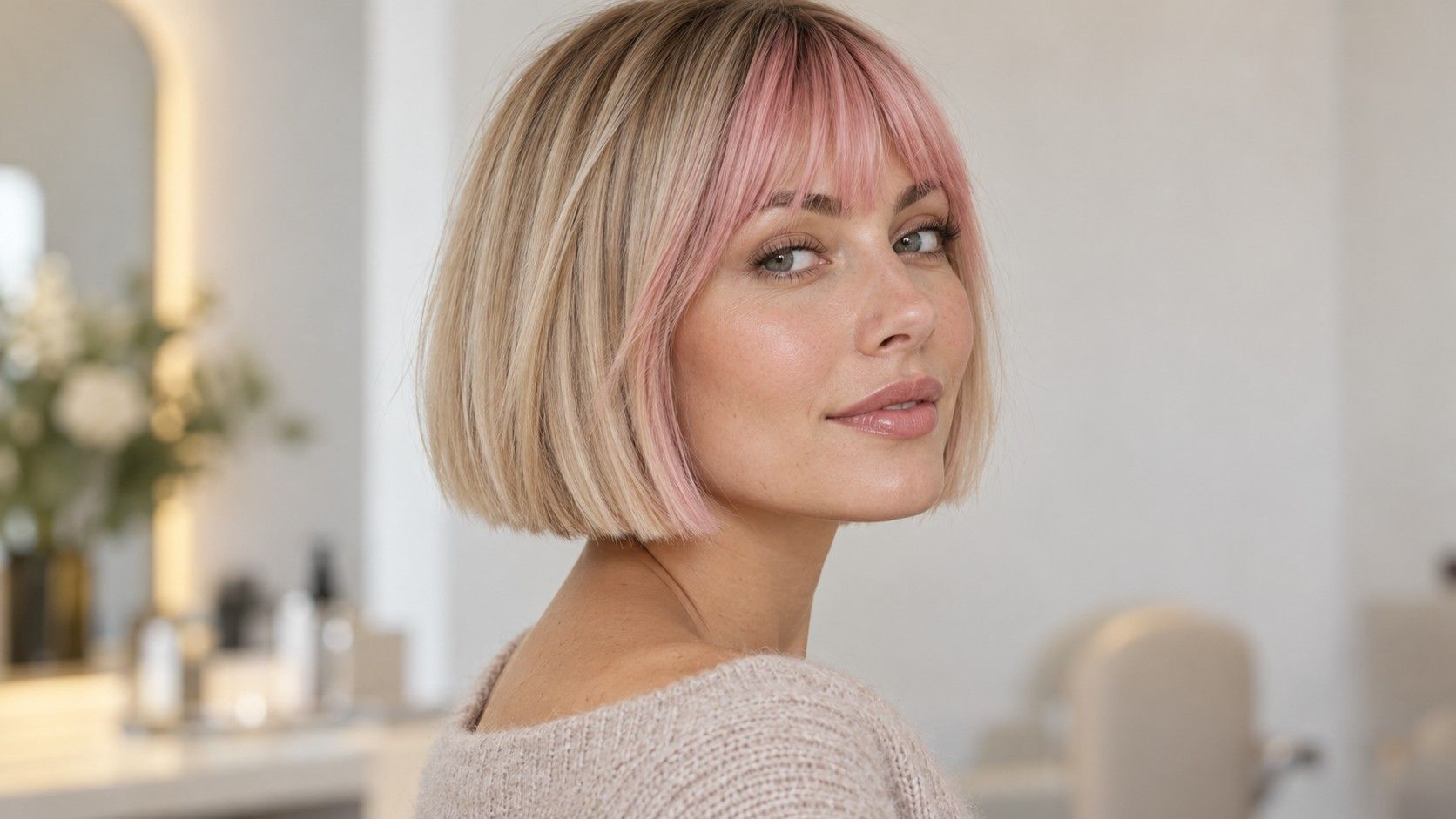
A search for free hairstyle try on no sign up usually has a practical aim: see a shorter version of your hair without creating another account or paying before you know whether the result is useful. The wording on a landing page is only the start. A service may let you open the editor freely but ask for registration, payment or additional permissions later. Check those steps before uploading a photograph, then keep the comparison small enough to answer the haircut question you actually have.
Decide what you need from the preview
Choose one visible change to investigate before opening an editor. You might want to compare a bob below the chin with a shorter bob, see your ears exposed or try a fringe. A narrow question makes it easier to judge whether the available preview is sufficient. You may not need a high-resolution export or a large collection of styles just to compare the amount of hair around your face.
Write down what a successful session would leave you with. It could be two saved pictures for a salon consultation, or simply a decision that you prefer the longer option. If you need an image to show the stylist, export access matters. If you only want a quick visual comparison, a viewable result may be enough, provided the service’s terms and photo handling are acceptable to you.
Keep color separate at first. A shorter style in a dramatic new shade may be appealing for several reasons, making the length harder to judge. Start near your existing color where possible and compare the outline. You can explore color afterward, once you know whether the bob, crop or fringe is the part of the change you want.
Read the access and payment steps before uploading
Look for a clear explanation of what is available without an account. Viewing a gallery, generating a personal preview and downloading the result are separate actions. A page that says free may refer to only one of them. Check the current wording near the editor, export controls and pricing information rather than assuming the landing-page headline covers the whole process.
Watch for a trial that asks for payment details. That is a different decision from using a free, account-free preview. Read what you would be accepting, including any renewal terms, before continuing. If the tool does not fit your intended workflow, stop there. A few minutes already spent browsing are not a reason to accept an account or subscription you did not want.
| Stage | Question to resolve | Why it matters |
|---|---|---|
| Before upload | Can I create a personal preview without registering? | A free gallery may not include personal results |
| Before generation | Is a payment method or trial required? | The next step may involve a separate commitment |
| Before saving | Can I keep a usable result without an account? | Viewing and exporting may have different requirements |
| Before sharing | Does this control download locally or publish a link? | Saving a reference and making it accessible are different actions |
If export requirements are unclear, treat that as unresolved rather than guessing. Do not assume a screenshot is an allowed substitute for a restricted download. Check the terms and available controls. The aim is a simple personal comparison, so choose a process whose conditions you can understand before submitting the image.
Check the photo permission you are actually granting
An interface without sign-up can still receive and process your photograph. Read the service’s current privacy information for what it says about uploads, retention, sharing and deletion. A claim about no registration does not answer those questions. If the explanation is missing or too vague for your comfort, do not infer a promise from the design of the page.
A camera prompt and a file picker serve different purposes. If you already have a suitable picture, check whether selecting that file is available instead of granting camera access. On devices that offer limited photo access, inspect what the permission screen allows you to select. Use the narrowest available option that supports the action you intend, rather than approving access without reading the prompt.
Choose a photograph of yourself with a plain background. Crop out other people, documents, screens, addresses and personal items that do not contribute to the haircut comparison. Keep the original separately so you can compare it with the result. A private browsing window or the absence of an account should not be taken as proof that the uploaded file stays only on your device.
Notice whether the interface offers public sharing, a gallery submission or a shareable link. Those controls are different from a local download. Read the label before using one, and do not create public access merely because it appears to be the easiest way to save a picture.
Use one clear photograph and a small set of styles
Take or choose a straight-on photograph with the full head visible, reasonable light and a neutral head position. Keep enough space around the crown and shoulders to compare a shorter outline. Follow the editor’s stated photo guidance where it is clear. A tilted portrait with much of the hair outside the frame is a weak basis for comparing bob lengths.
If appropriate for the interface, pull the current length away from the face and shoulders. Make the hairline readable and avoid a heavy filter. You want to see the effect of changing the hair, so a source image that already reshapes the face complicates the comparison. Keep your usual glasses in mind even if they must be removed for the upload.
Compare two or three styles that answer your original question. Use the same source photograph and keep the color similar where possible. Note the apparent perimeter, the amount of forehead exposed and the width at the sides. If every result changes the face or produces obvious artifacts, the tool has not supplied a reliable comparison, even if one image looks attractive.
Save the useful result without mistaking it for a forecast
Before leaving the editor, use the permitted export or save option and check the resulting file. Open it locally if you downloaded it, confirm that it is the intended image and give it a clear name. A thumbnail in the browser or a temporary result page may be difficult to find later. Do not rely on a history feature that you have not confirmed exists.
Keep the original beside the preview. Look for changes to ears, jaw, neck and facial features, as well as to the hair. A result can invent density, erase a growth pattern or make the crown fuller. The picture is useful for discussing the silhouette, but it cannot establish how your actual texture will sit after a cut or how much styling will be needed.
Add a short note about what you want to borrow: the fringe length, the clear bob edge or the exposed ears. Also note any questionable area, such as an artificial nape or a fringe that is much fuller than yours. These observations keep the image useful when you show it to a stylist instead of presenting it as an exact prediction.
Finish the session and take the decision to the salon
If deletion controls are available, follow the stated process for removing the upload or saved result. Read what the confirmation actually says. Removing a visible picture does not by itself establish that every stored copy has been erased. If the service provides no clear deletion path, its published information is the place to check what options it describes.
Review any device or browser permission you granted and revoke access you no longer want. Closing a tab and changing a permission are different steps. Keep only the local references you need and avoid using a public share link when a downloaded file will serve your consultation. None of these steps should be described as a guarantee about the service’s internal handling.
At the salon, bring a normal photograph of your current hair and the small set of previews. Explain the shape you preferred and ask how it translates to your texture, crown and neckline. Discuss everyday styling and maintenance before choosing the final length. An account-free preview has done its job when it makes that conversation clearer, even if the eventual haircut differs from the image.