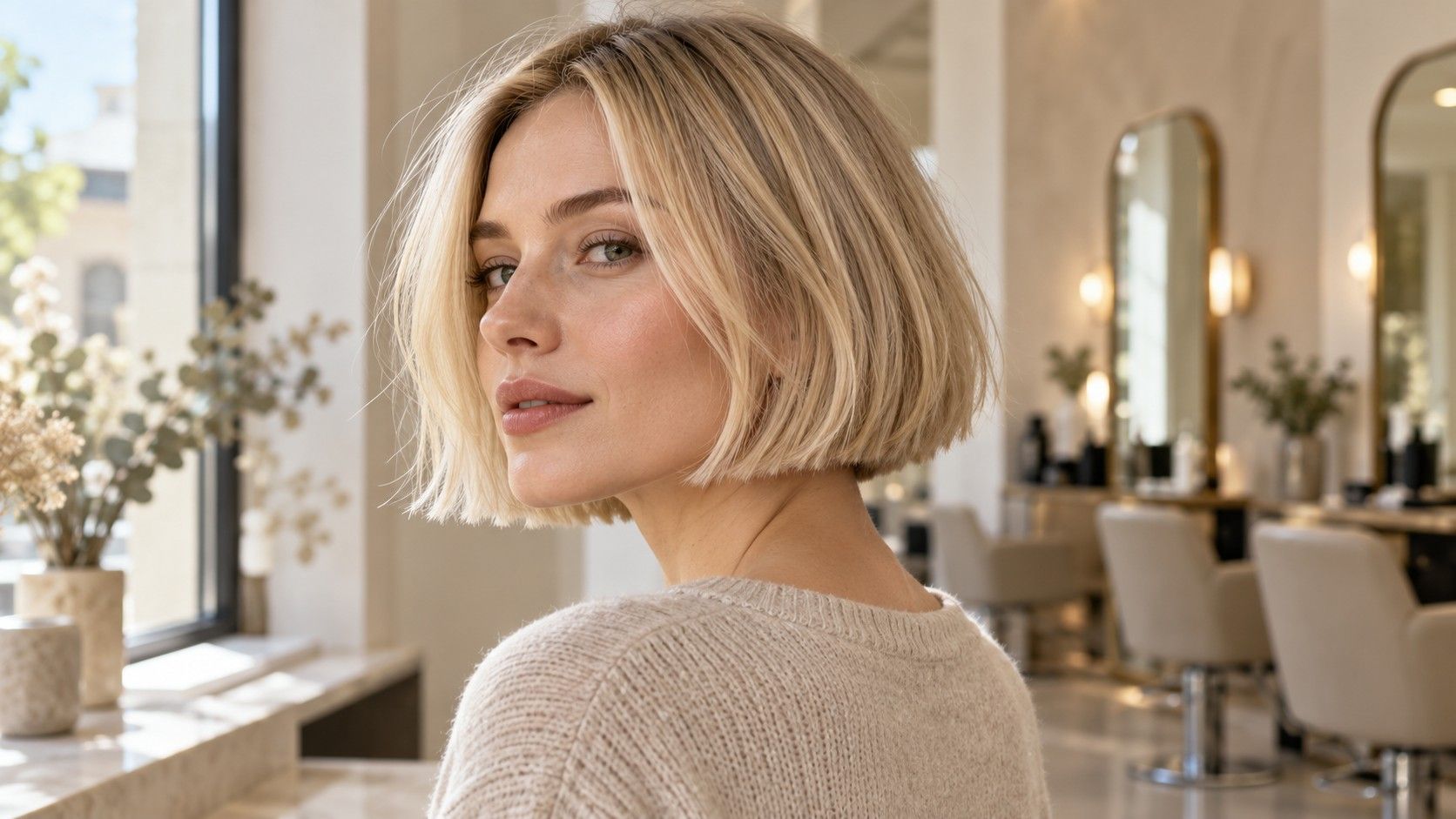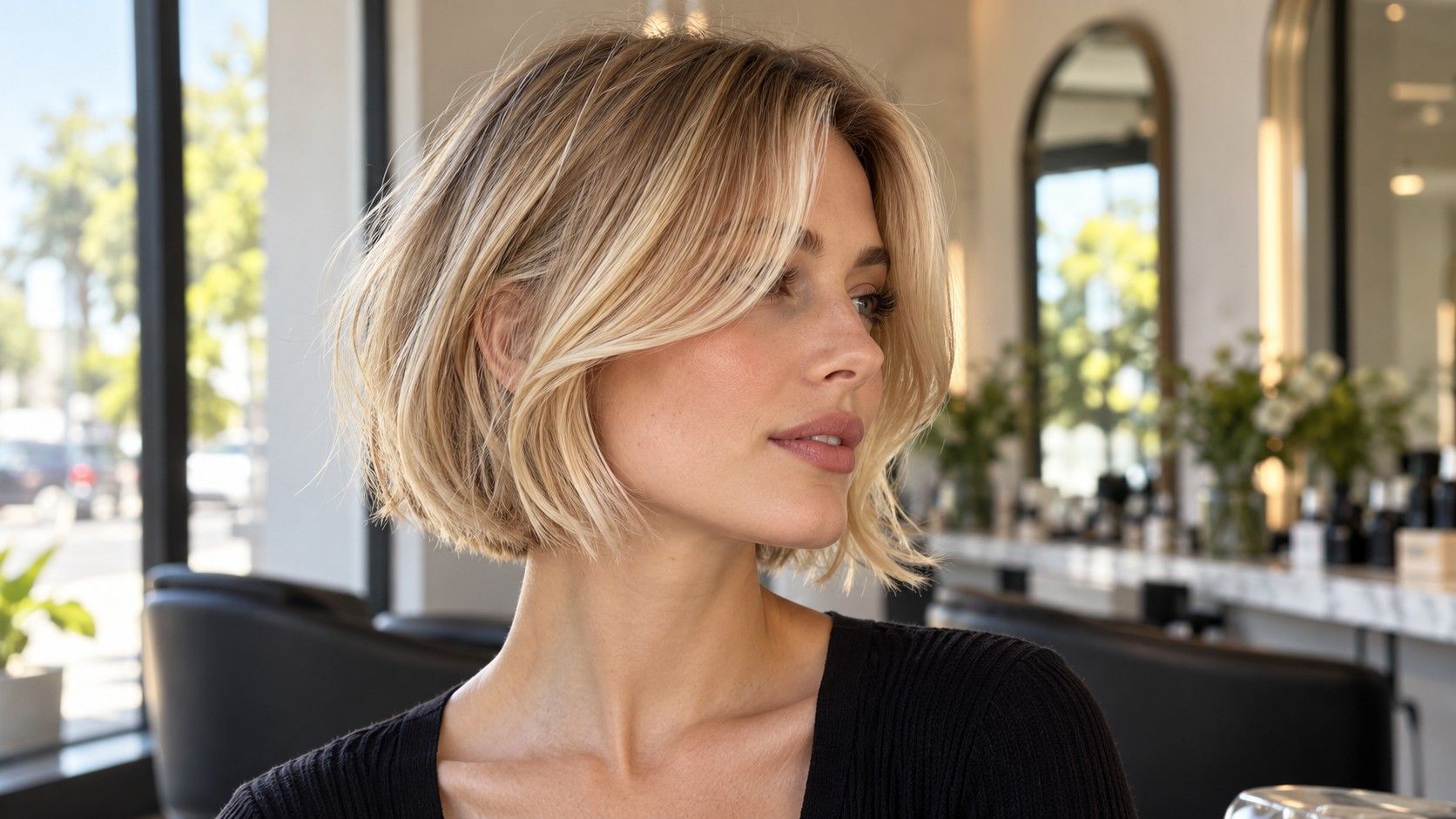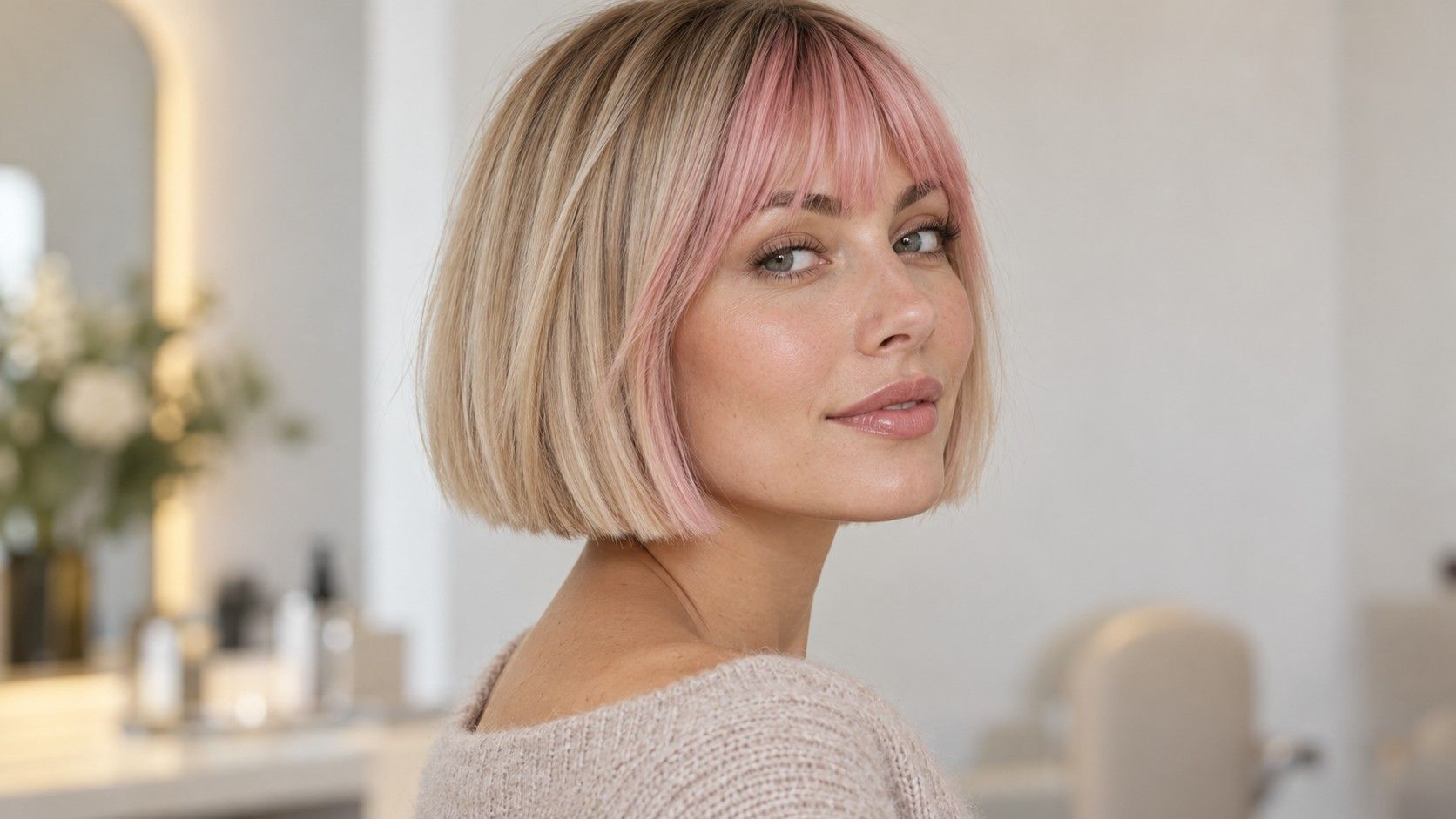
What is the best app to get hairstyle and colour inspiration? For a short haircut, the useful choice depends on the decision you are trying to make. A photo collection helps you discover shapes; a saved album helps you compare details; a virtual preview can help you explore the impression of less hair around your face. None replaces a conversation about your own hair. Start with a clear question, and the images become much easier to use.
Write down what going short must allow you to do
Before opening another gallery, identify the habits you want to keep. You may need the front to tuck behind your ears, prefer some coverage at the nape or want your fringe away from your glasses. These are concrete constraints. “Easy hair” is less useful because it could mean quick washing, no heat styling, fewer appointments or the ability to tie everything back.
Choose a minimum length by touching the point on your own face or neck. A jaw-length bob and a crop with a long fringe can both look short from the front while feeling very different at the sides. Decide whether you are ready for exposed ears and whether you like the back of your neck visible. Keep those answers beside your saved images.
Consider your ordinary morning too. If you normally air dry, references with a smooth curved-under edge may describe a finish you are not planning to create. That does not make them unusable. It means you should ask what the same shape would do with your natural movement. An inspiration tool becomes more useful when you know which parts of the photograph are negotiable.
Set one main question for the search: bob or crop, fringe or no fringe, light color or existing depth. You can revisit the other decisions later. Trying to solve cut, color and styling at once often leaves a large collection with no clear favorite.
Choose between discovery, comparison and a preview
A photo library is useful when you need real haircut examples. Look for views that reveal the perimeter, the sides and the back. The photographs may still be carefully lit and styled, so they are references to discuss rather than proof of a particular daily result. A beautiful front view cannot tell you how much hair remains at the nape.
An album in a tool you already use may be enough when your main need is organization. You want to retrieve a few images at the appointment and explain why you saved them. Check whether your chosen method lets you keep the source, add your own notes or distinguish cut references from color references. Use the functions actually available rather than assuming every app handles collections the same way.
| Your immediate question | Type of tool to consider | What the result cannot establish |
|---|---|---|
| Which short shapes interest me? | A searchable photo library | How the cut will behave on your hair |
| What do my favorite photos share? | A small saved album or comparison view | Whether all the details can be combined |
| How might a shorter outline feel around my face? | A virtual preview, where offered | The physical movement or final salon result |
| What should I show at the appointment? | A few accessible images with notes | The stylist's assessment of density and growth |
If you search for a “hair style suggest app,” first decide which of those jobs you need it to do. A recommendation screen may introduce ideas, but an attractive suggestion is not an obligation. Judge the tool by whether it helps you narrow a real choice, rather than by the number of different looks you can generate.
Collect different views instead of more versions of the same selfie
Begin with a small group of images and give each a purpose. One can show the length you like at the jaw. Another can show a softly rounded back. A third can show a fringe that stays clear of the eyes. You do not need every feature to come from one photograph, but the differences should be visible and easy to explain.
For bobs, inspect the side profile. Does the front extend below the back? Does the bottom sit level, curve inward or separate into lighter ends? A strongly graduated rear view can hide behind an apparently simple front. If you dislike that shape, find a rear reference that shows the low, continuous edge you prefer.
For pixies and crops, look above and behind the ear. A long top can conceal very short sides in a front-facing image. Check the sideburn, the nape and how the top connects to them. Those areas determine much of the cut's commitment and what it may look like as it grows.
Keep the original source available when possible, and avoid cropping away the detail you need to show. If an image has no usable back view, write down that uncertainty. Asking a stylist to discuss the missing area is more productive than assuming it will match an imagined shape.
Use virtual previews to compare one change at a time
A virtual preview can be useful for exploring your reaction to a different outline, if the tool offers that function. Start with a clear photograph where the face is visible and the head is held naturally. Follow the actual instructions for the selected tool. Do not assume a simulated preview preserves every facial feature or the proportions of your head exactly.
Compare two versions with one main difference: a fringe added, the perimeter raised or the color deepened. If the face, makeup, lighting and hair all change together, it becomes difficult to know why one picture feels more appealing. Keep an unedited original beside the preview so you can notice changes unrelated to the haircut.
Look at the hairline, ears and neck. Unusual edges or missing details are reasons to be cautious about a particular image. A convincing front view still cannot show how your cowlick will settle, how waves will spring up or how much density is available at the temples. Treat the image as a conversation starter.
Before uploading a face photo, read the current information about storage, deletion, account requirements and any payment involved. These differ between services and can change. If the terms do not suit you, continue with reference photographs and an album that does not require the same upload. No single preview is necessary for choosing a haircut.
Compare the references with your real hair behavior
Photograph your hair in its usual dry state, including the crown and nape if you can. Notice where it bends, separates or lifts without styling. A cut cannot be assessed from face outline alone. A short fringe at a strong growth pattern may require attention that the reference does not reveal.
Match texture and density as closely as you reasonably can when choosing examples. Fine strands can still grow densely; a full back may sit beside less dense sides. If your favorite bob has a heavy perimeter, ask whether your own sides can produce a similar line. More layers are not automatically the answer to every difference.
For curls and waves, discuss the finished dry length rather than relying on a straightened or wet reference. There is no universal adjustment that predicts how every curl will sit. Show what your hair does after your normal wash routine, and explain whether you plan to wear that texture most days.
For color, separate what you like from what you expect. You may be drawn to the lightness of a blonde image, the darker root area or the small brighter pieces around the front. Previous coloring and current condition affect the options on your own hair. A photo or preview cannot establish the route, cost or exact result of a color appointment.
Turn the collection into something you can explain at the salon
Before the appointment, reduce the collection to a few references you can describe without scrolling for several minutes. For each one, name the useful detail and the part you do not want copied. A single sentence is enough: “I like this length at the sides, but I want a softer fringe.” Include a rear view and a current photograph of your hair.
Add your practical priorities in plain language. For example: “I need the front to tuck behind my ears, I usually air dry, and I do not want a high stacked back. I like this lighter color placement, but I want to understand the maintenance before deciding.” That gives the stylist room to assess feasibility while keeping the important decisions visible.
Ask where the proposed cut will be shortest, how the sides will sit with glasses and which area is likely to need attention first as it grows. Discuss the everyday finish separately from a polished appointment finish. If the references conflict, let the consultation resolve them before cutting starts.
The app has done its job when you can explain the choice it helped you make. You may arrive with a virtual preview, an ordinary photo album or a few images saved from a library. What matters is knowing which lengths, shapes and color details you want to discuss, and which questions still need an assessment of your actual hair.