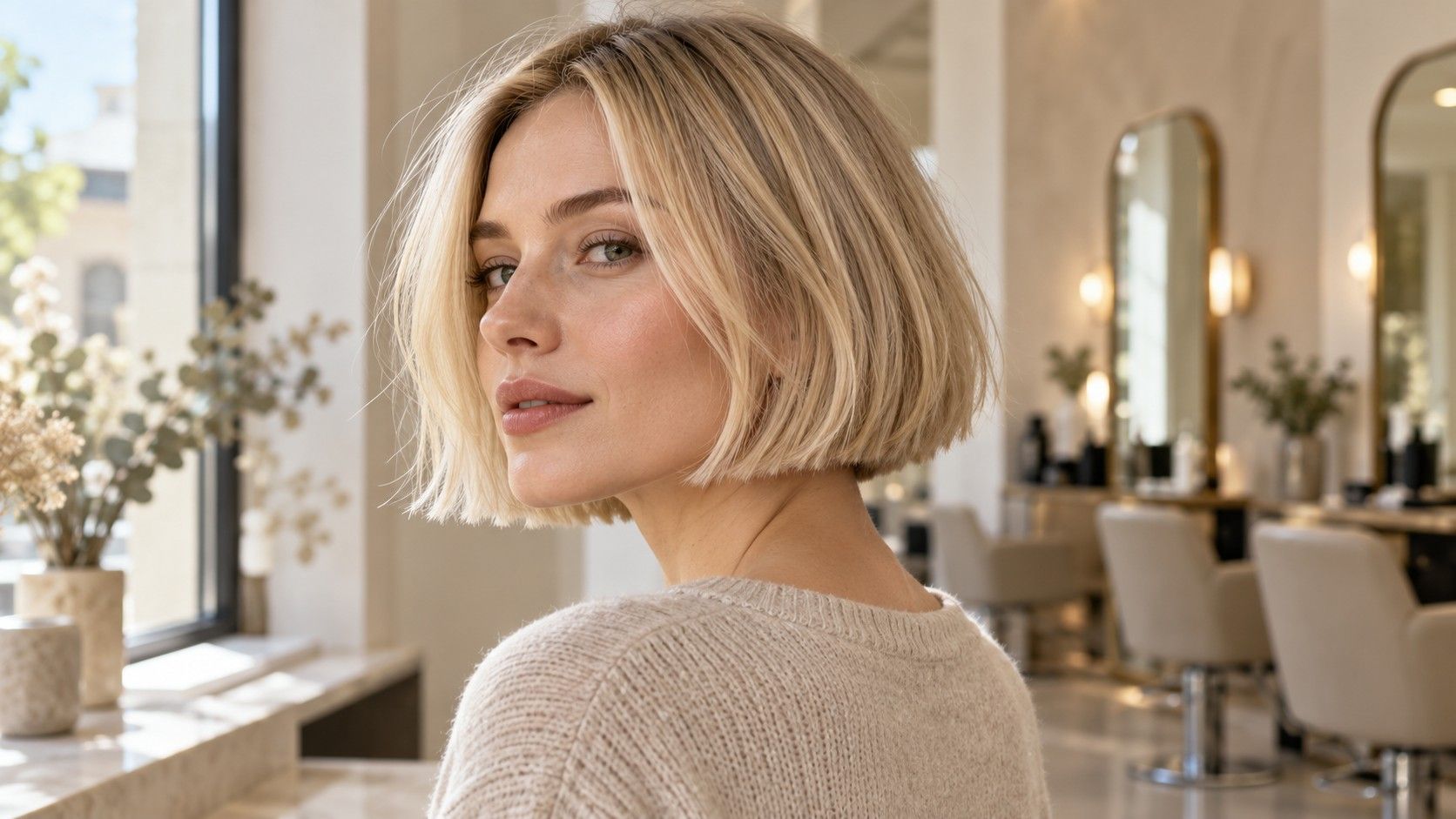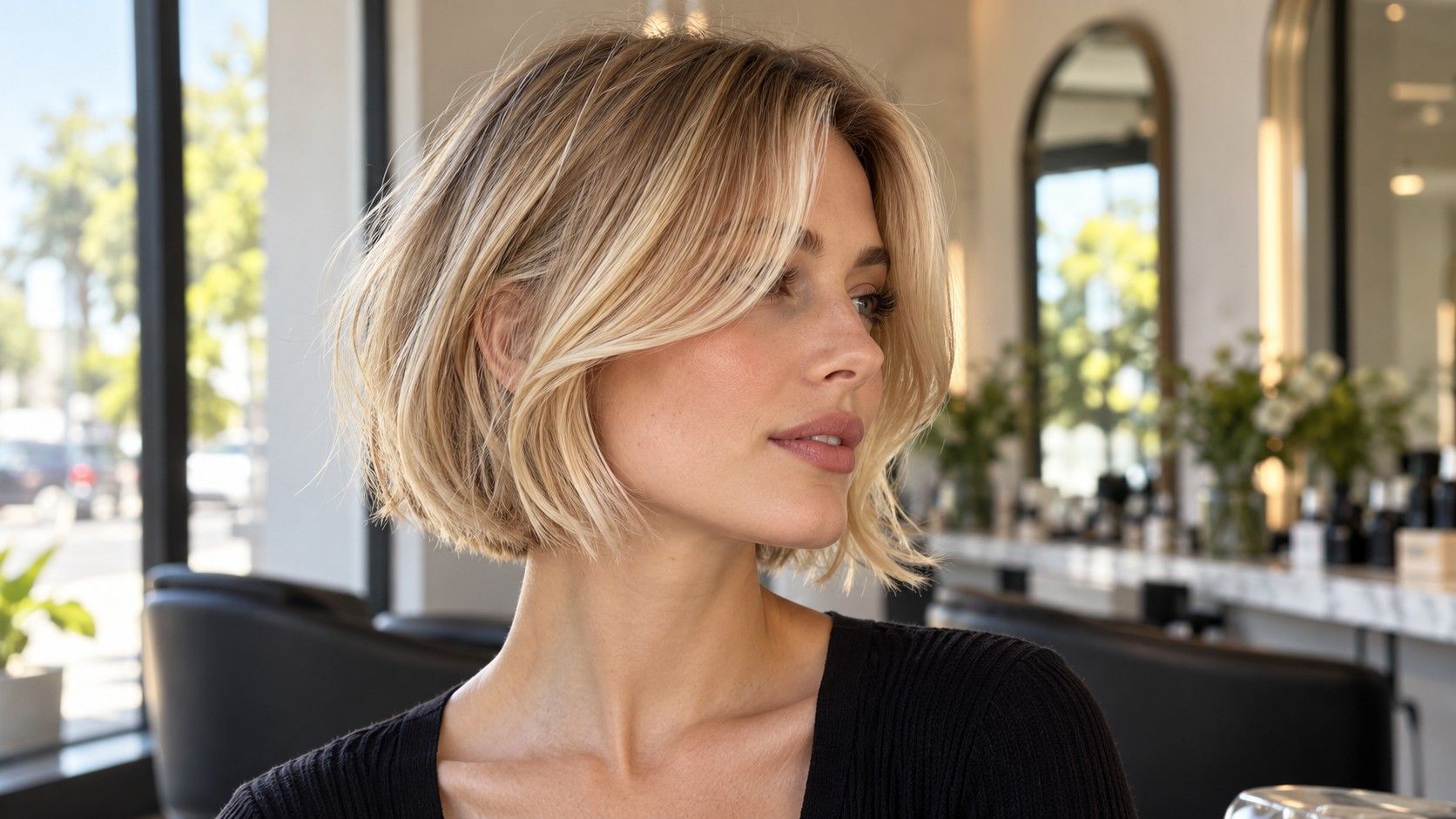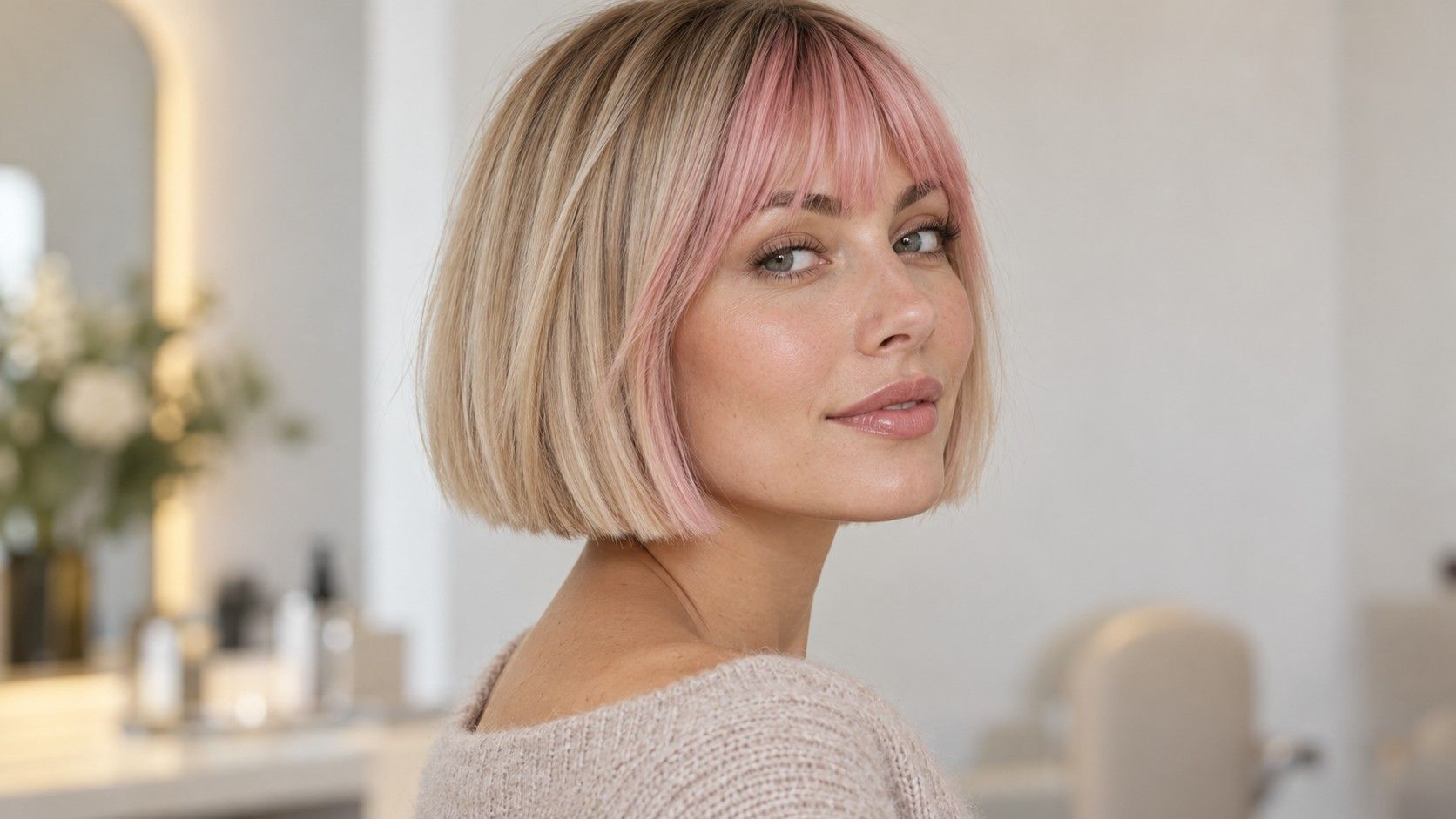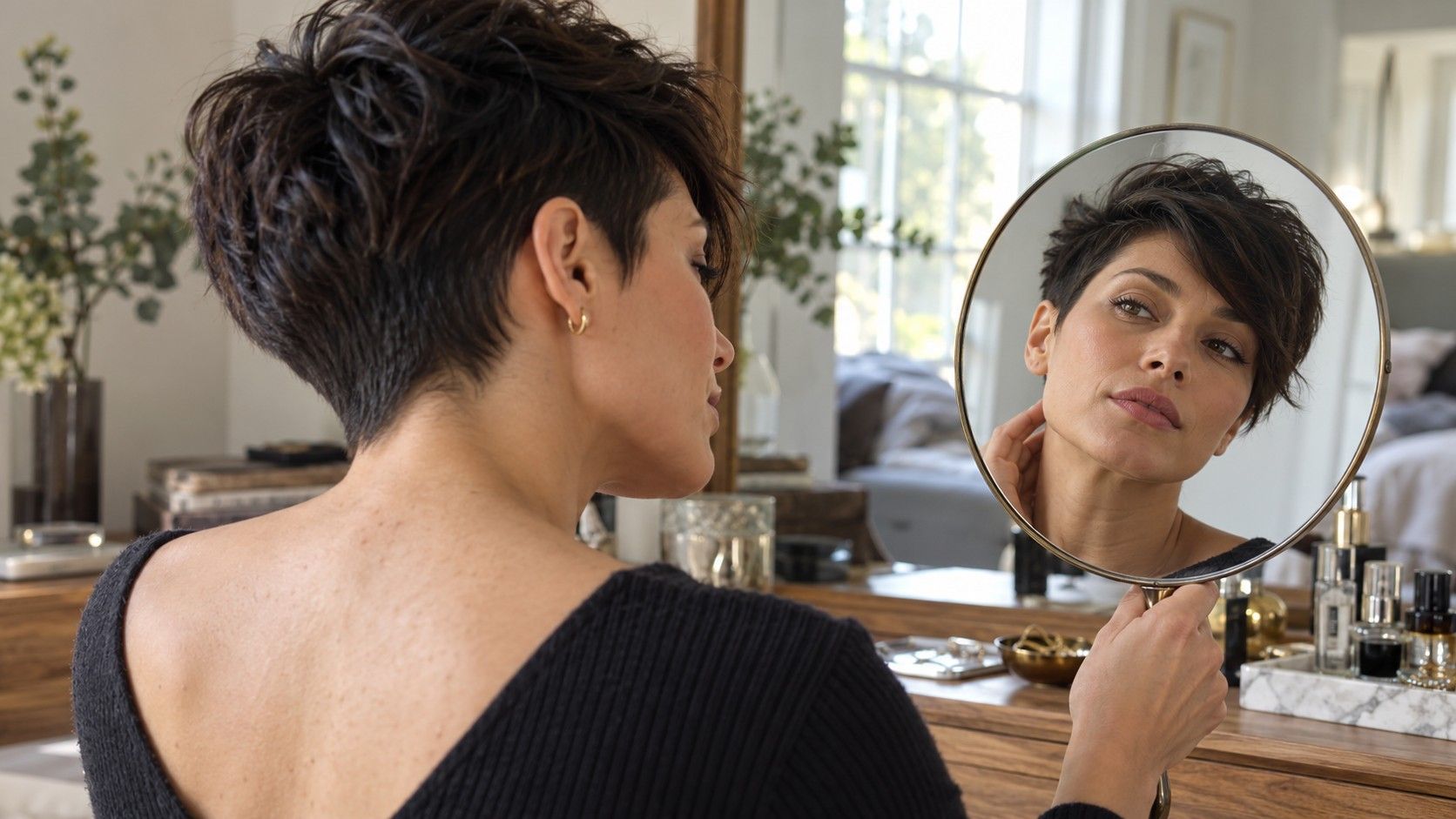
A virtual hairstyle try on can help you compare a bob with a crop before booking a cut. The useful part is often the broad outline: how much face is exposed, where a fringe ends and whether you like less hair around the shoulders. The difficult part is knowing which details to distrust. A convincing picture can still alter an ear, invent a neckline or add volume your hair does not have. Read the result as a visual question to investigate, then bring your actual hair into the decision.
Prepare a photograph that makes comparisons fair
Use a clear, straight-on picture with the camera roughly level with your face. Keep the whole head visible and leave room above the crown and beside the ears. A tightly cropped selfie gives the preview less useful context and makes it harder to assess the full silhouette afterward. Strong tilt also changes the apparent relationship between the jaw, fringe and hairline.
Pull longer hair away from the shoulders if the tool requests that kind of source image. Avoid covering the ears with large accessories, and choose a background that separates from your current hair. Follow the tool’s own photo guidance where it is clear. The goal is a readable starting image, not a highly polished portrait that already changes your features.
Keep the original photograph. When a result looks surprisingly flattering, compare the face, neck and shoulders against it. Has the jaw narrowed? Have the eyebrows changed? Does one eye look different? If the picture improves several things besides the haircut, it becomes harder to decide how much of your reaction belongs to the proposed hair.
Change the haircut while keeping the other choices steady
When you try on haircuts, compare a small set with different lengths: perhaps a chin bob, a bob below the chin and a crop with a longer fringe. Keep the starting photograph and color similar where the interface allows it. Changing color, makeup and hair shape together can produce a stronger reaction without telling you which change mattered.
Look first at the outline rather than individual strands. Note how wide the hair appears at the temples, whether the ends sit above or below the jaw and how much forehead is exposed. Write down your preference in plain language. You may like a clear edge below the chin but dislike the volume at the sides. That is already useful, even if neither generated style is ready to copy.
A style name is less reliable than those observations. Different tools may use the same label for different lengths, fringes and side shapes. Save the image you are judging and describe the actual details. A crop with ears exposed and a long diagonal fringe is a clearer salon reference than a preset called a modern pixie.
Inspect the ears, temples and neckline for inventions
The area around the ear is a good place to slow down. Check whether its size and position match the original photograph. Look for a blurred edge where hair meets skin, a piece of the ear that disappears or a sideburn that changes shape between results. Those artifacts can make a crop seem cleaner or more flattering than the proposed cut alone would explain.
The nape is even harder to evaluate from a front-facing source. A picture may imply a neatly tapered back without having shown your natural neckline or growth direction. It may remove hair from the neck and smooth the skin at the same time. Do not treat that invented area as evidence that a particular taper will sit the same way on you.
| Area to inspect | Possible distortion | What to ask in person |
|---|---|---|
| Ears and temples | Changed ear shape or an unnaturally clean hair edge | How the real sideburn and ear outline would be cut |
| Nape | An imagined taper or concealed growth pattern | How your neckline and growth direction affect the back |
| Crown | Extra height with no visible support | What your hair does when dried in its usual way |
| Fringe | A dense, uninterrupted edge where your hair separates | Whether the proposed shape suits the actual front growth |
If a preview offers several angles, compare them for consistency instead of assuming each is an accurate view. Does the ear stay in the same place? Does the fringe suddenly become longer? A second angle can add an attractive image without resolving uncertainty about the real haircut. Use actual side and back photographs of your hair when you speak to a stylist.
Question perfect volume and conveniently smooth texture
A preview can show an airy crown, a full fringe or a smooth bob without demonstrating how your hair would produce it. Compare the visible amount of hair with your source photograph. If a thin-looking front section becomes a solid curtain, the picture has not answered whether your real fringe can look that way. It has shown a preferred silhouette.
Look for volume in places where your hair usually lies flat and smoothness where it tends to bend or expand. Ask what styling would be needed to approach the image and whether the cut could still look intentional when left alone. A picture cannot show the time required to dry the crown, redirect the fringe or arrange the ends.
Texture matters beyond straight versus curly. A bob can turn out near the ears, sit differently on each side or expand through the middle. A crop can have a crown that separates in a particular direction. Keep those observations visible in the consultation. A generated finish should not erase the behavior you deal with every morning.
Check the perimeter too. Wispy ends may look soft because the image has blurred them into the background. A thick edge may look healthy because the tool drew a uniform band. Neither establishes how much density the finished cut will have. Ask the stylist about the amount and distribution of your actual hair before choosing that detail.
Turn the picture into specific salon questions
Bring the original image, one or two previews and an ordinary photograph showing your current hair. Identify the feature you want from each preview. You might prefer the exposed ears in one, the longer fringe in another and the lower side volume in a third. Explain that combination rather than asking the stylist to reproduce every pixel of a single result.
Ask where the proposed length would sit on your real head and what it would look like without the pictured finish. For a bob, discuss the dry perimeter, the part and what happens when the sides are tucked. For a crop, discuss the crown, nape and how often the shape needs attention. These questions address the areas the preview cannot settle.
If the stylist suggests a longer first step or a different fringe, compare the suggestion against your priorities. The preview may have revealed that you want less width, not necessarily the shortest possible cut. That distinction gives the conversation room to adapt the shape to your hair while keeping the feature you liked.
Keep only images that still help after inspection
Before uploading a personal photo, check the service’s current photo handling information and access requirements. An account-free interface does not establish how an image is processed or retained. Use a picture of yourself that you are comfortable submitting, and leave unrelated people and personal details out of the frame.
After comparing the results, reduce the collection. Keep a few pictures with clear notes about what each illustrates and what remains uncertain. A folder full of polished variations can hide the simple decision you were trying to make. Two previews marked with a preferred length and fringe are easier to discuss than twenty nearly identical selfies.
Finally, look away from the screen and inspect your hair in a mirror, including its usual part and unstyled shape. If your preference survives the comparison with the original photo and the discussion of maintenance, the preview has done useful work. It has helped you articulate a direction. The decision about how to cut the real hair still belongs in the chair, with the hair visible from every side.